Buying guide 12 November 2026 · 3 min read
How to choose hospital management software in India
A practical checklist for comparing hospital management software in India: one patient record, modules, insurance, NABH, DPDP, telemedicine and deployment.
 Team Paracitamol · hospital software & marketing · 14+ hospital clients
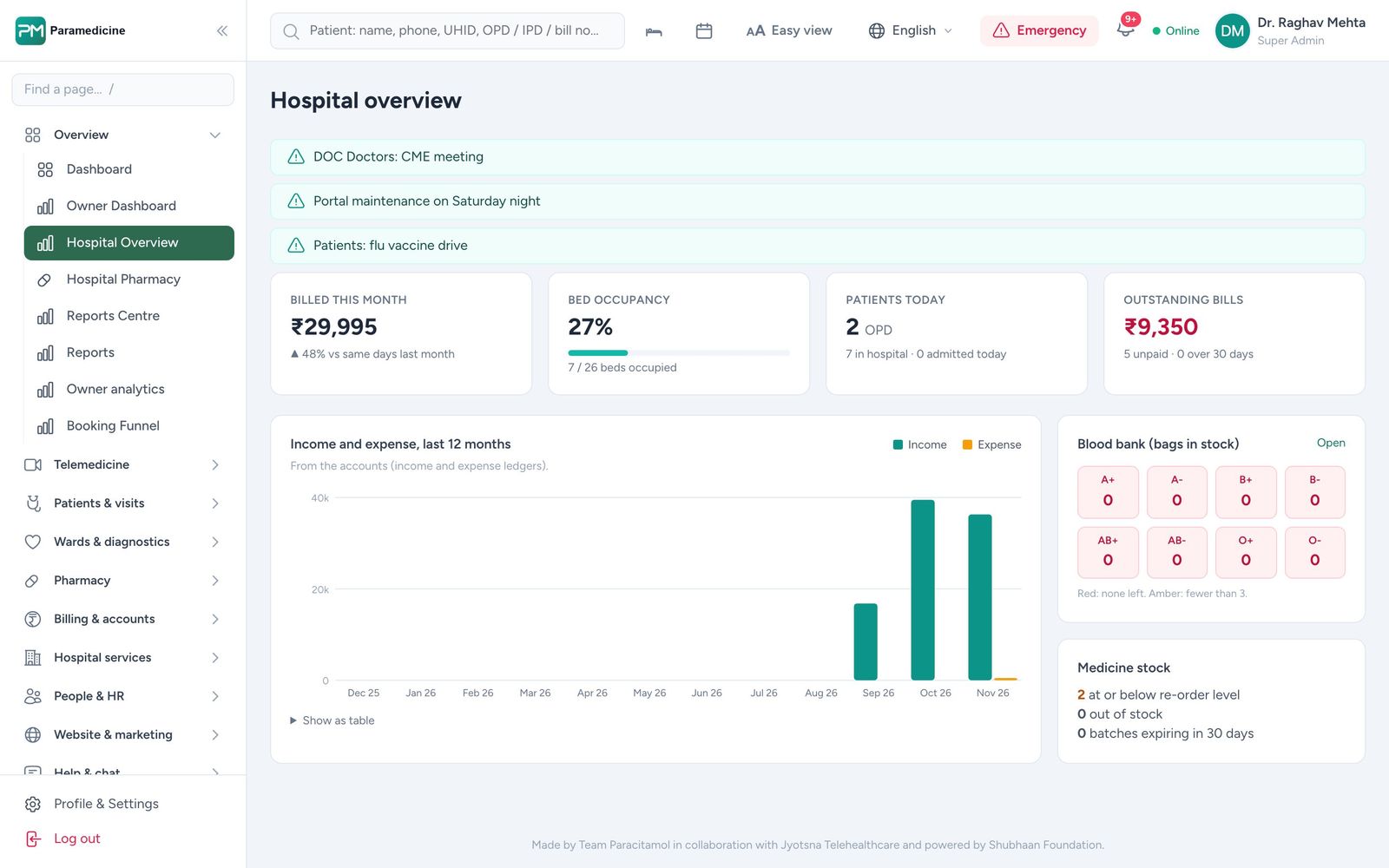
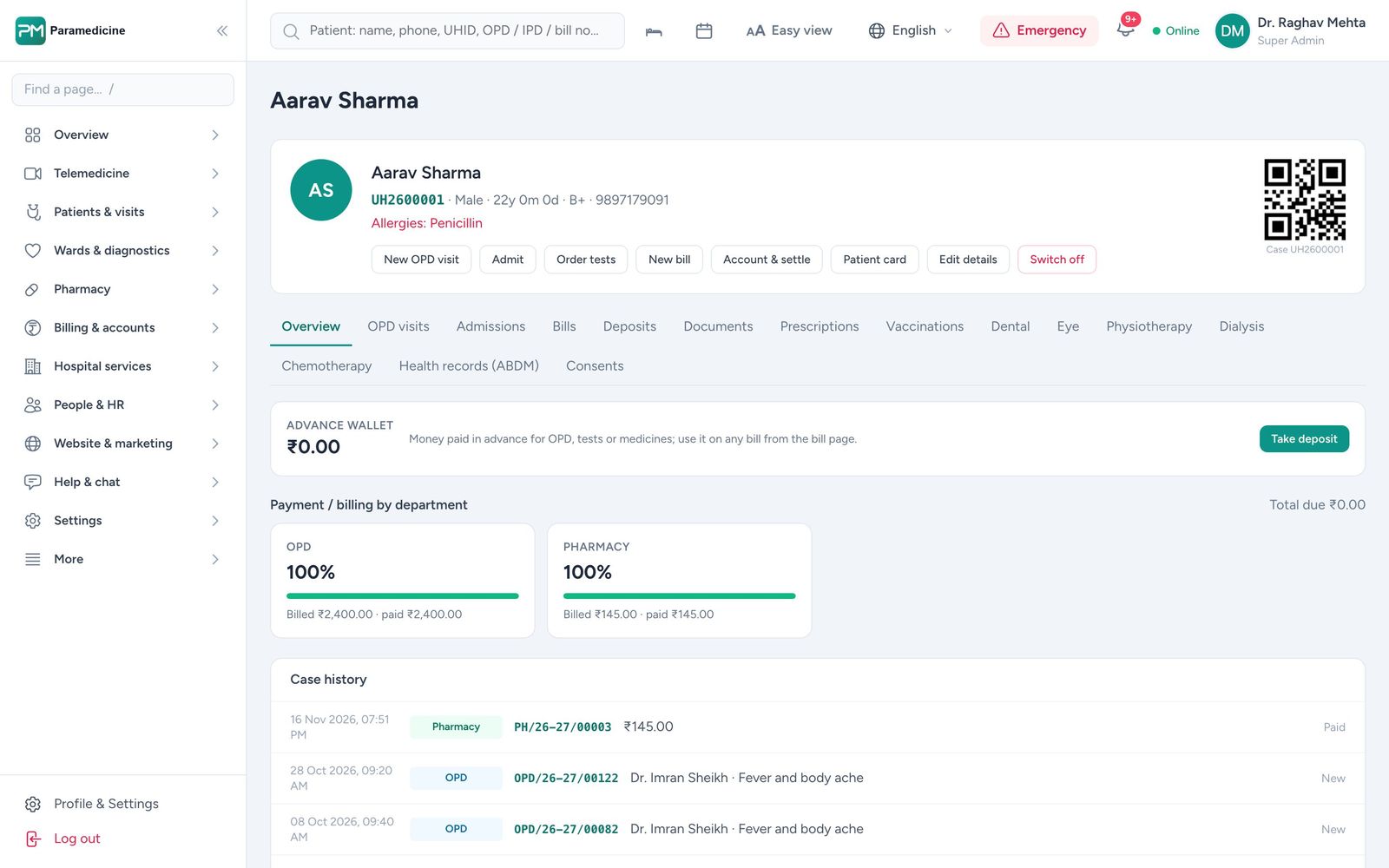
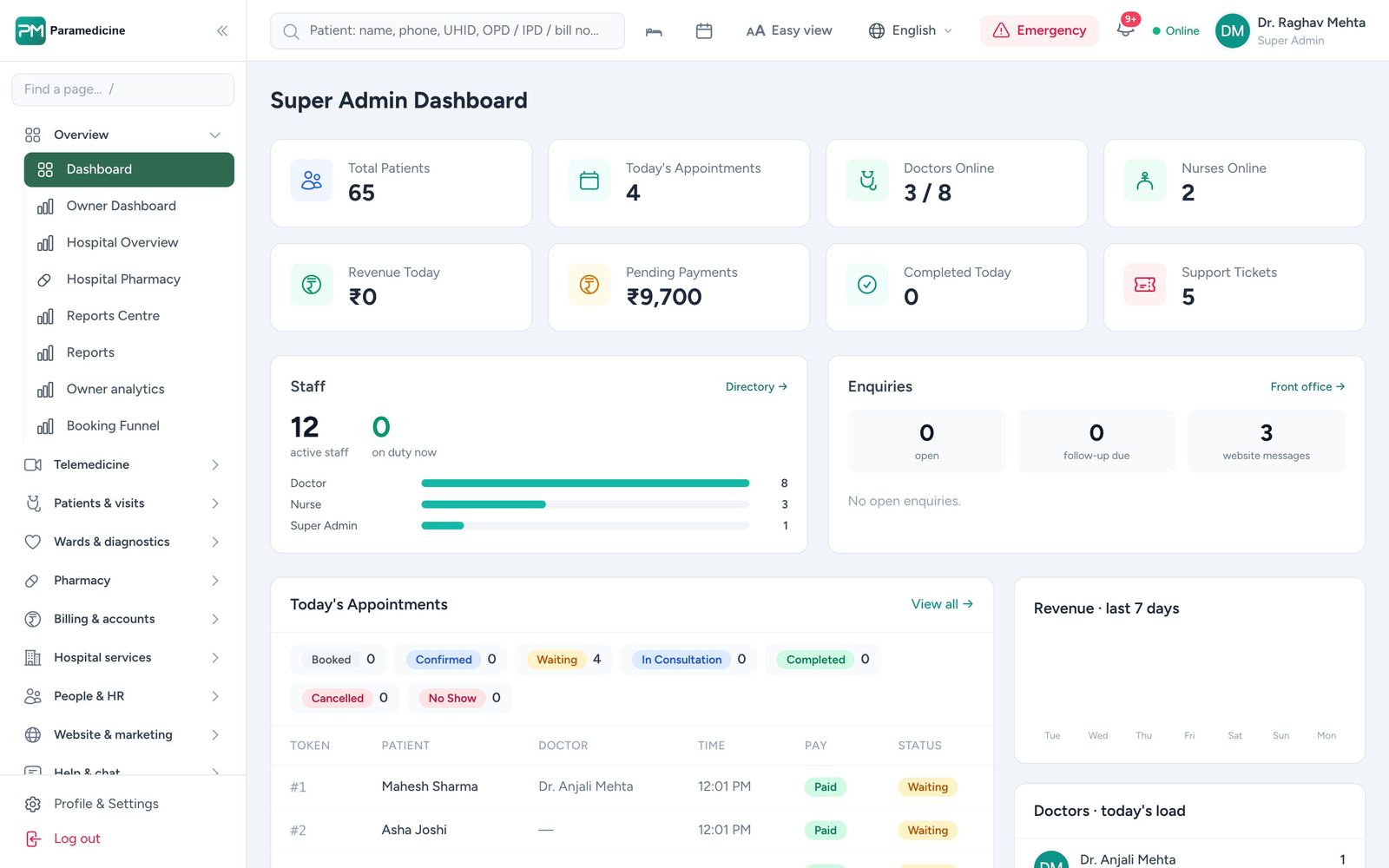
Most hospitals in India buy software three times: a billing package first, a separate telemedicine app later, and finally spreadsheets for NABH and statutory registers. Each system has its own patient list, and the cost shows up as duplicate registrations, missed charges and month-end panic. This checklist helps you choose once.
1. Is there one patient record — online, OPD, IPD and every branch?
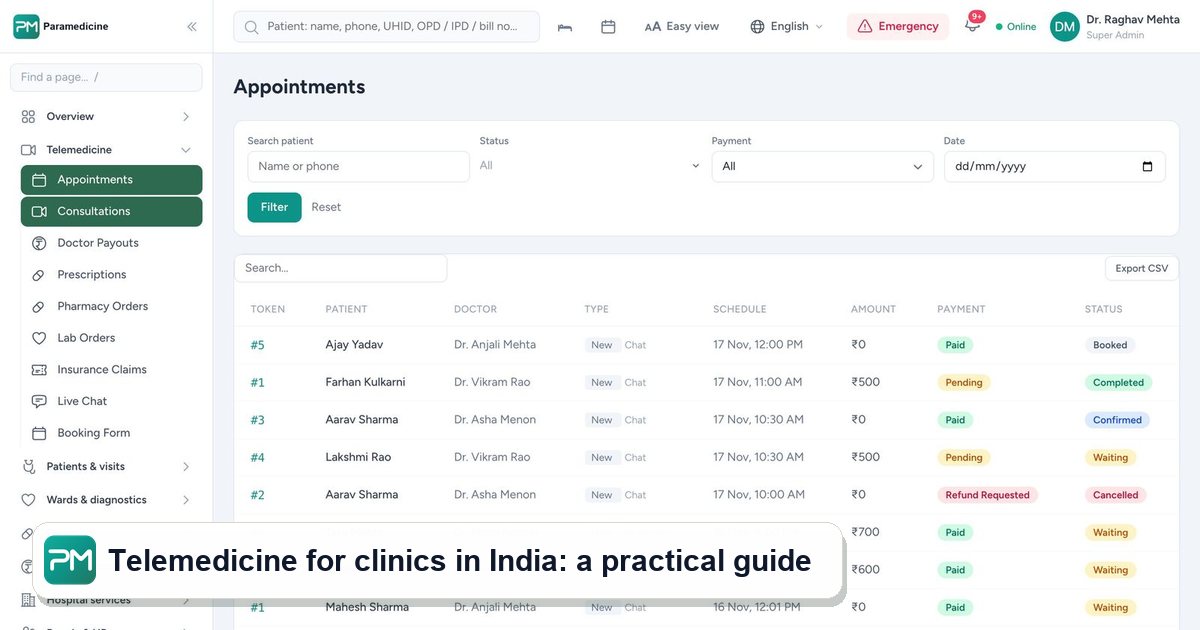
Ask the vendor to register a patient online, then find the same patient at a branch desk by phone number typed in a different format. If the answer is "we sync overnight" or "telemedicine is a separate app", you will keep paying for duplicates. In Paramedicine an online consult, a walk-in visit and an admission all land on one file.
2. Can you switch modules on as you grow?
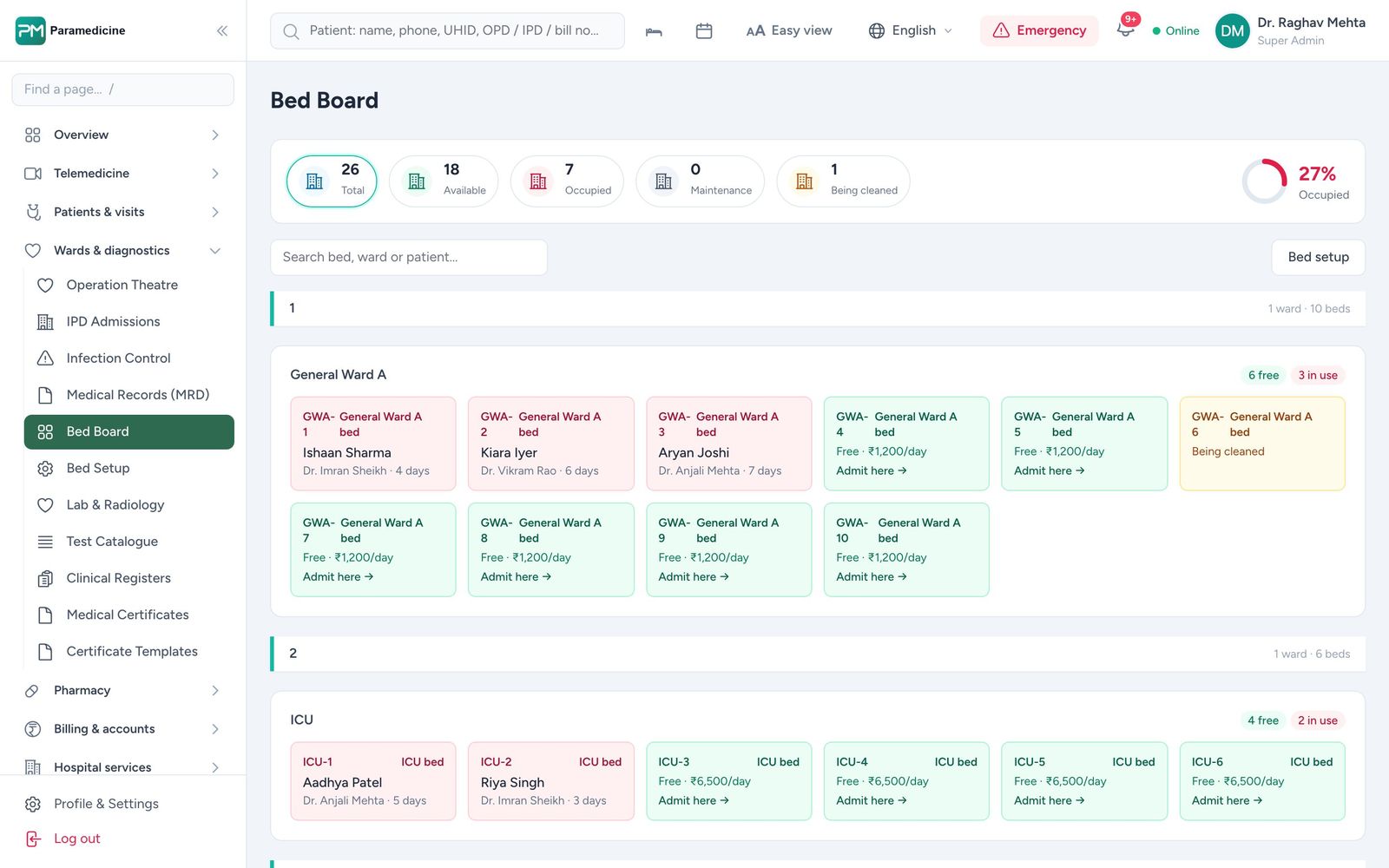
A 10-doctor clinic does not need an ICU chart, and a 300-bed hospital cannot live without one. Prefer software where each department is a module you can turn on later without migrating data — and where you are not billed for departments you don't have. Build your plan to see which modules a practice like yours needs.
3. Does billing follow the patient automatically?
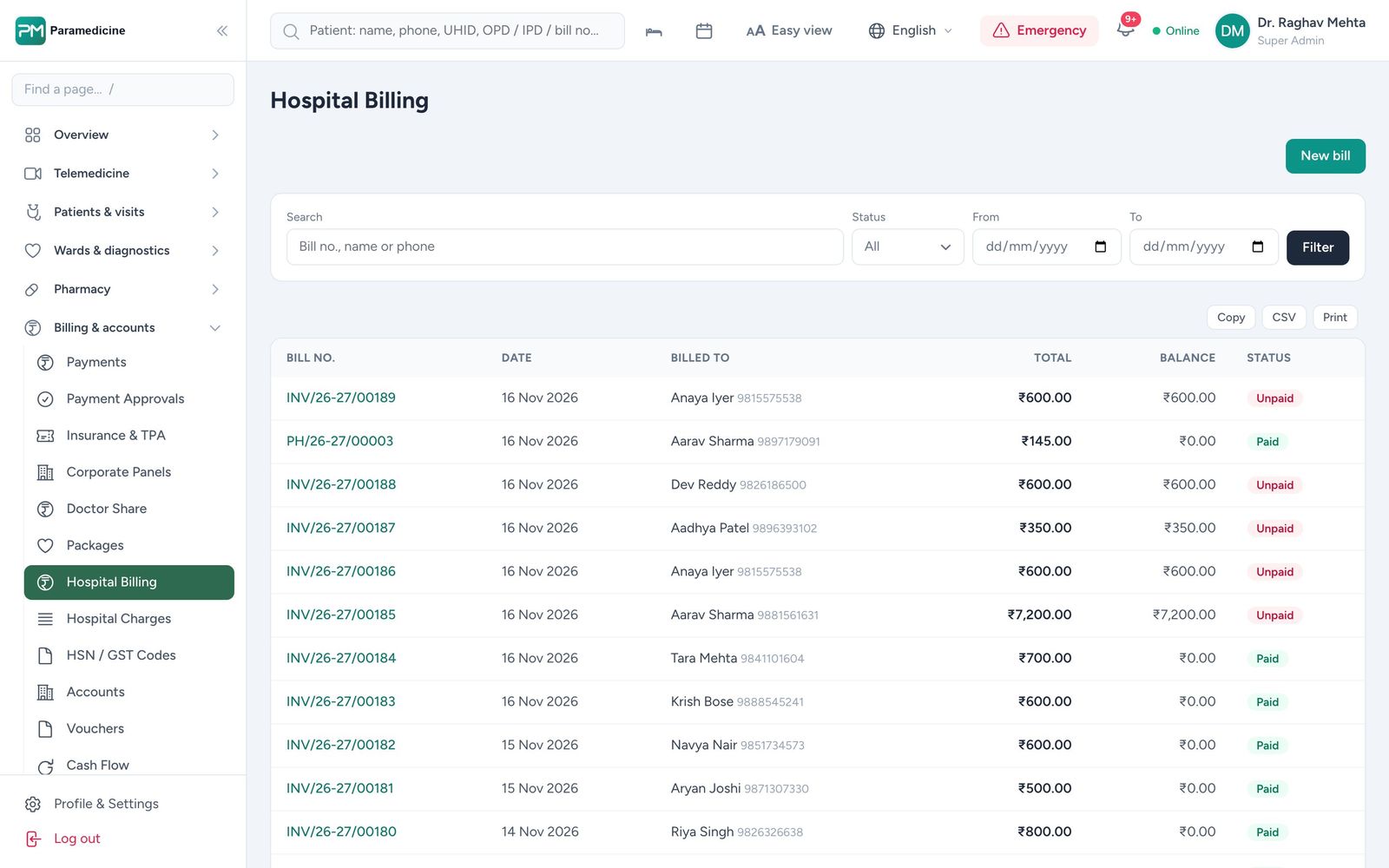
Charges from OPD, lab, pharmacy and the bed should post to the bill as they happen. Check deposits and refunds, TPA and PM-JAY credit limits, doctor share, GST and a Tally export. Read more about billing and insurance.
4. Does it collect NABH evidence while staff work?
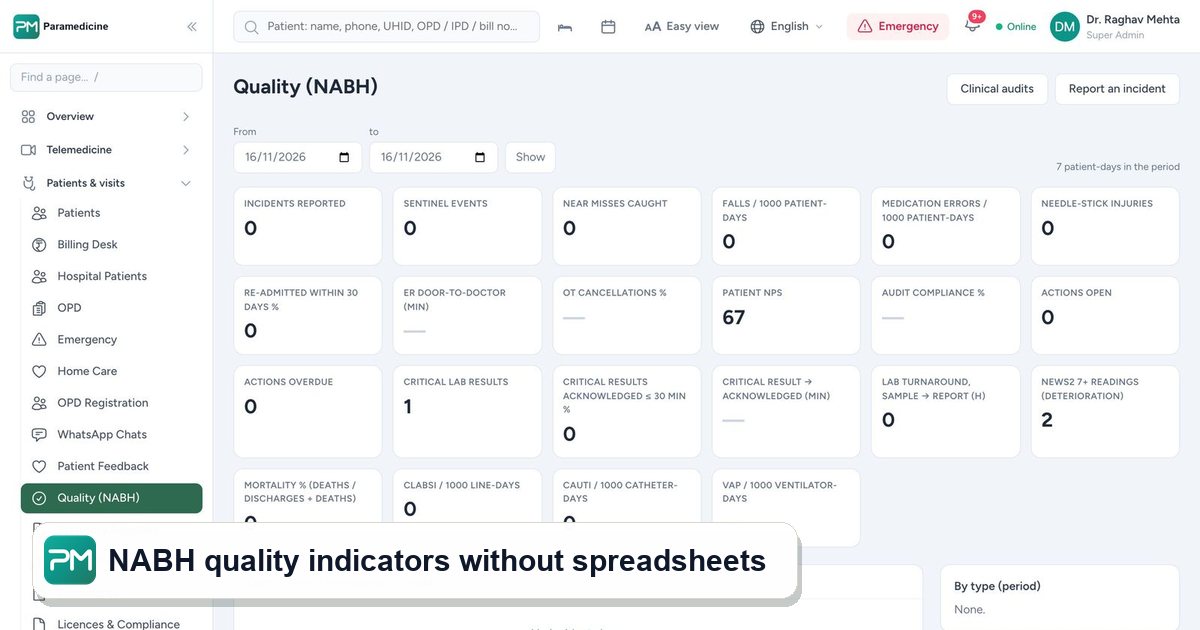
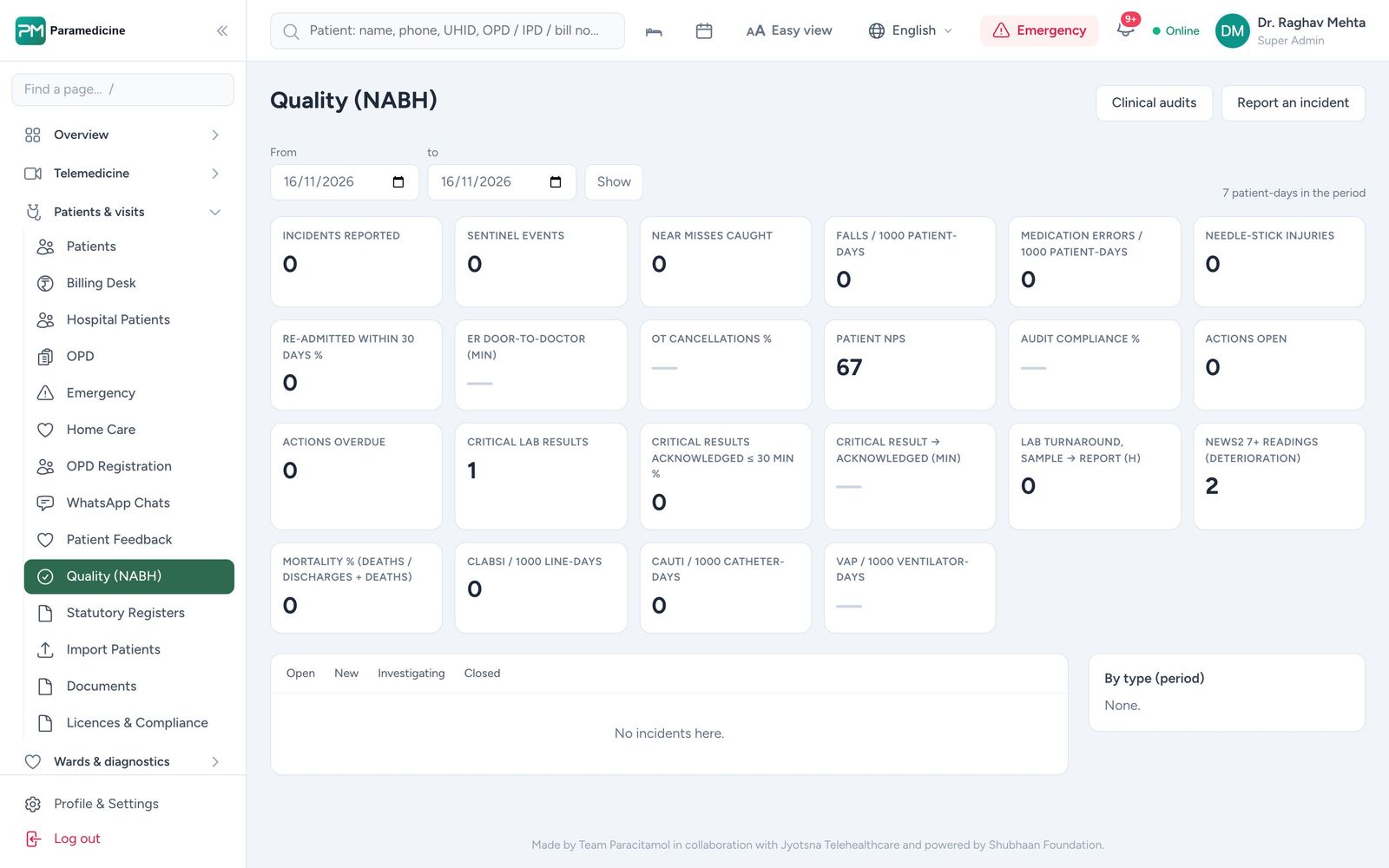
Quality indicators typed into a spreadsheet at month end are rarely accurate. Look for indicators calculated from live records — falls, medication errors, readmissions, device-associated infections — and statutory registers (births, deaths, MLC, PCPNDT, MTP, notifiable diseases) that fill themselves. See NABH quality and compliance.
5. Will clinical safety alerts reach a person?
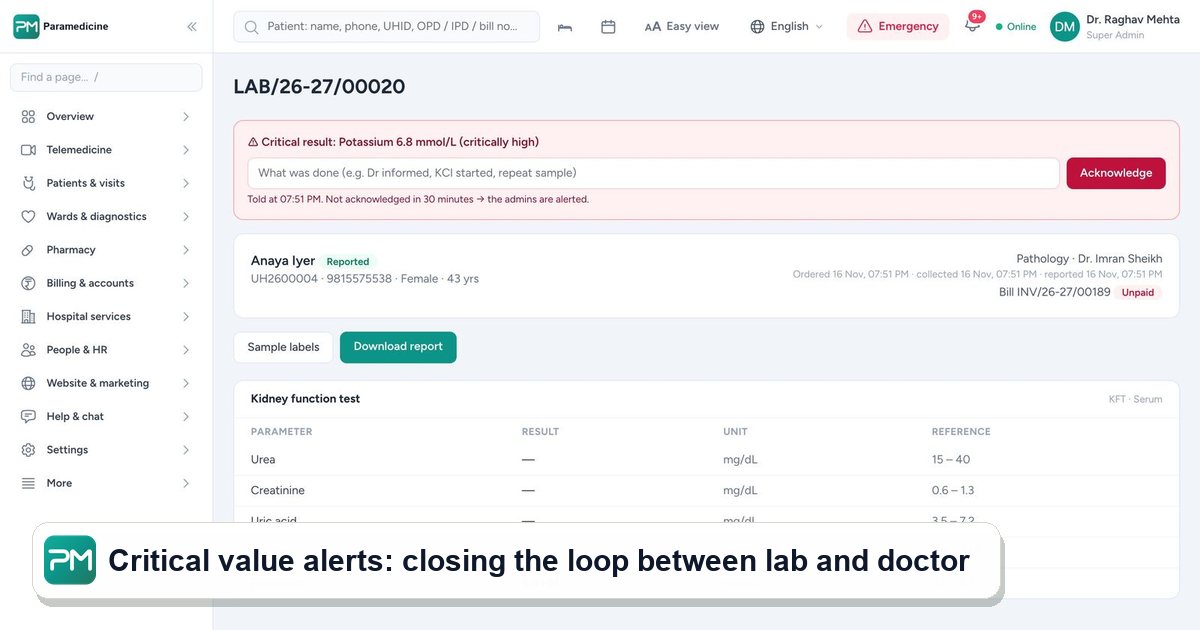
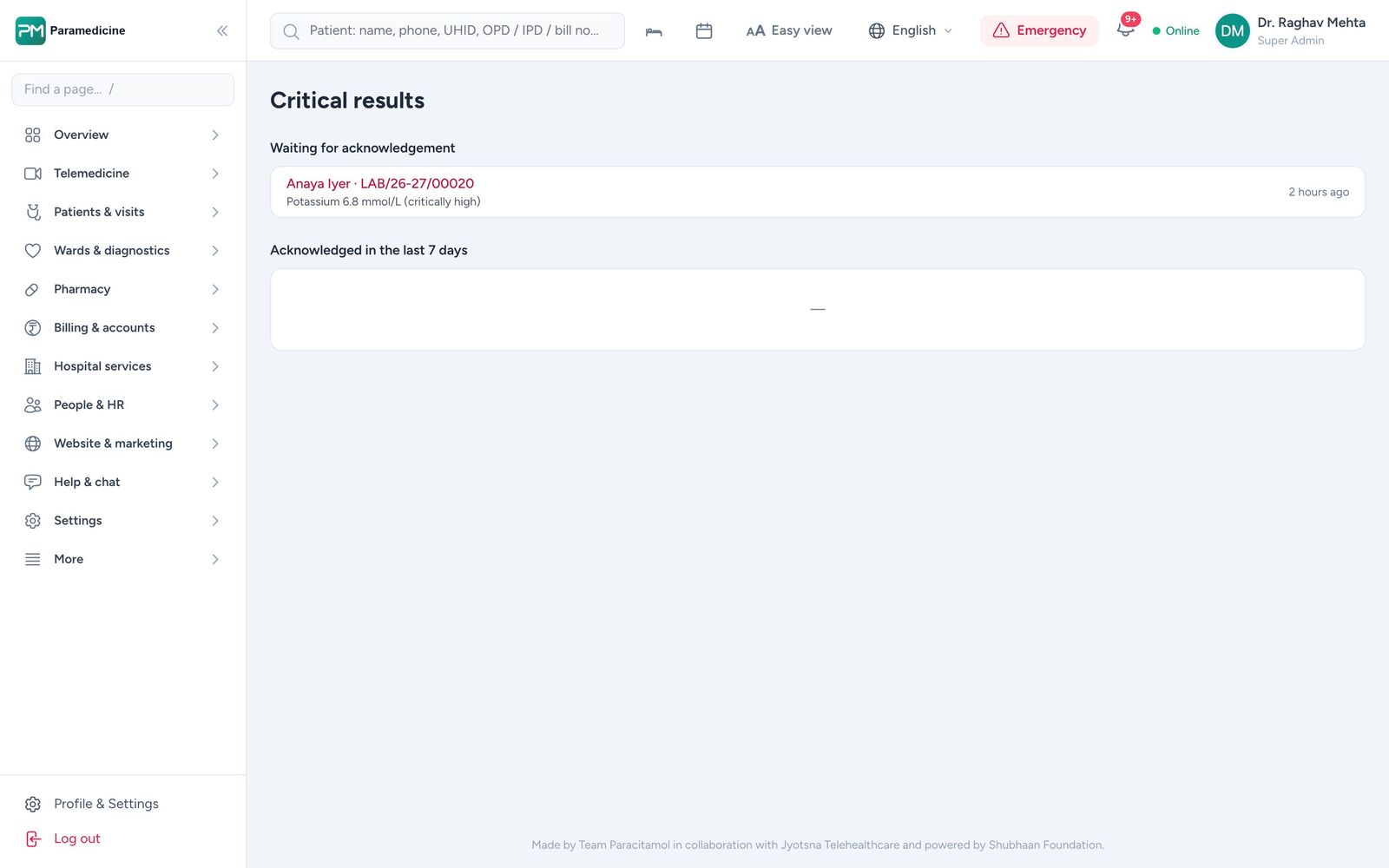
A critical potassium value is useless if it waits in a report queue. Ask how a panic value reaches the treating doctor, how acknowledgement is recorded and what happens if nobody responds. The same goes for early warning scores such as NEWS2 on the ward.
6. How does it handle patient data under the DPDP Act?
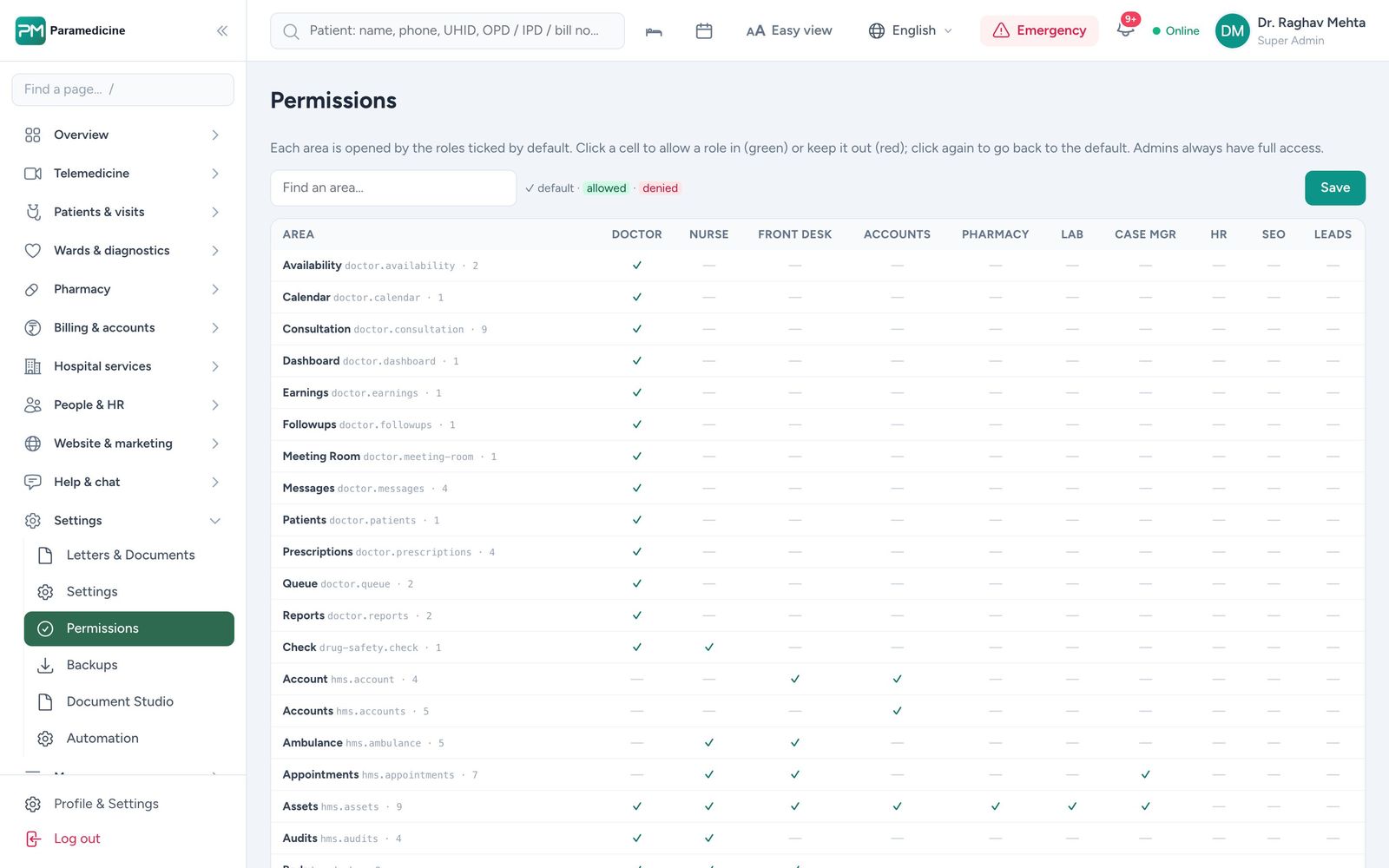
The Digital Personal Data Protection Act, 2023 applies to the patient data you hold. Ask about role-based access, an audit trail, backups, breach handling and where data is stored. Our guide to the DPDP Act for hospitals covers the essentials.
7. Rental or self-hosted?
Rental (subscription) gets you started without servers. Self-hosting keeps the data on infrastructure you control. Good vendors offer both and are clear about who is responsible for hosting, backups and security in each case.
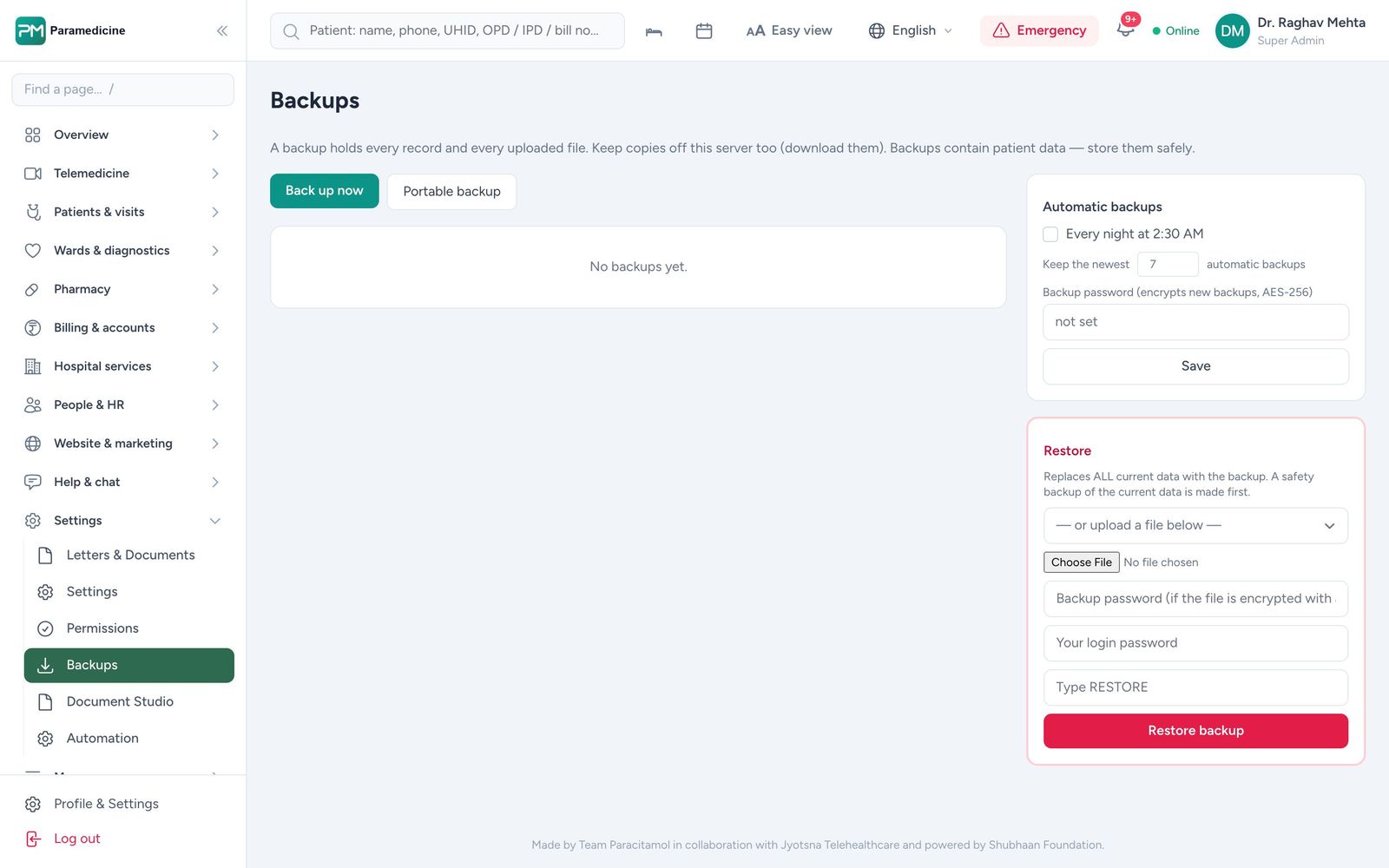
8. Does it work on a phone, in your patients' language?
Owners check numbers from anywhere, nurses chart at the bedside, and patients book from basic smartphones. Test every role at phone width, and check the patient side in the languages your patients speak.
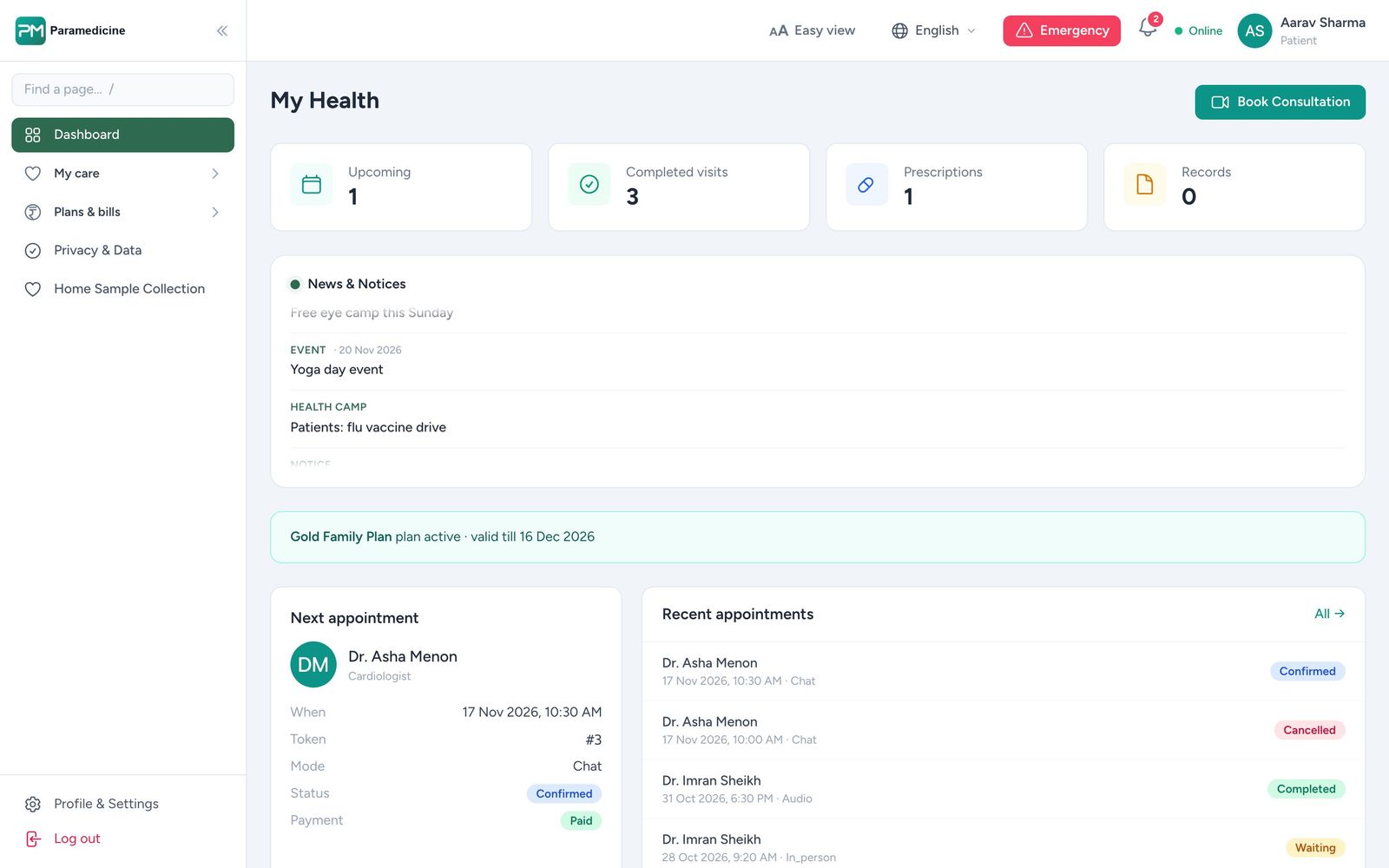
A quick scoring sheet
- One patient record across online, OPD, IPD and branches
- Modules you can switch on later
- Billing that follows the patient, with insurance and GST
- NABH indicators and registers from live data
- Closed-loop clinical alerts
- DPDP-ready security and audit trail
- Rental and self-hosted options
- Works on phones, in local languages
If you'd like to see these eight points on your own departments, book a live demo of Paramedicine.
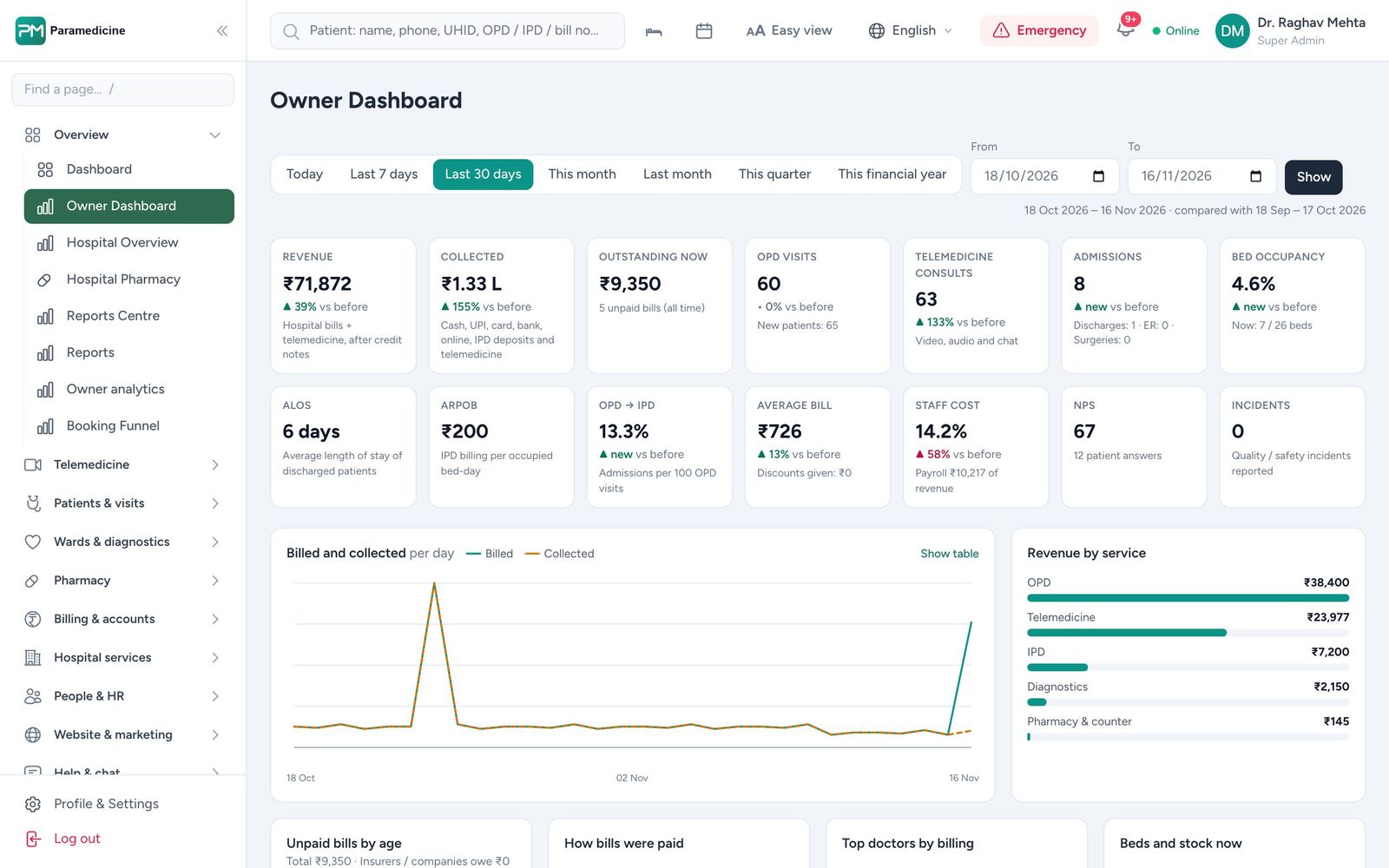
Paramedicine The product behind this article
Everything above runs on one patient record.
See the real screens, the product tour and how pricing follows the modules you switch on.