Hospital marketing 5 October 2026 · 2 min read
Hospital SEO: how patients find hospitals online
A practical hospital SEO guide for India: Google Business Profile, speciality and doctor pages, reviews, content and tracking enquiries to appointments.
 Team Paracitamol · hospital software & marketing · 14+ hospital clients
Most patients choose a hospital after a search: "orthopaedic hospital near me", "best gynaecologist in Meerut", "knee replacement cost". Hospital SEO is about appearing for those searches with pages that answer them.
1. Google Business Profile comes first
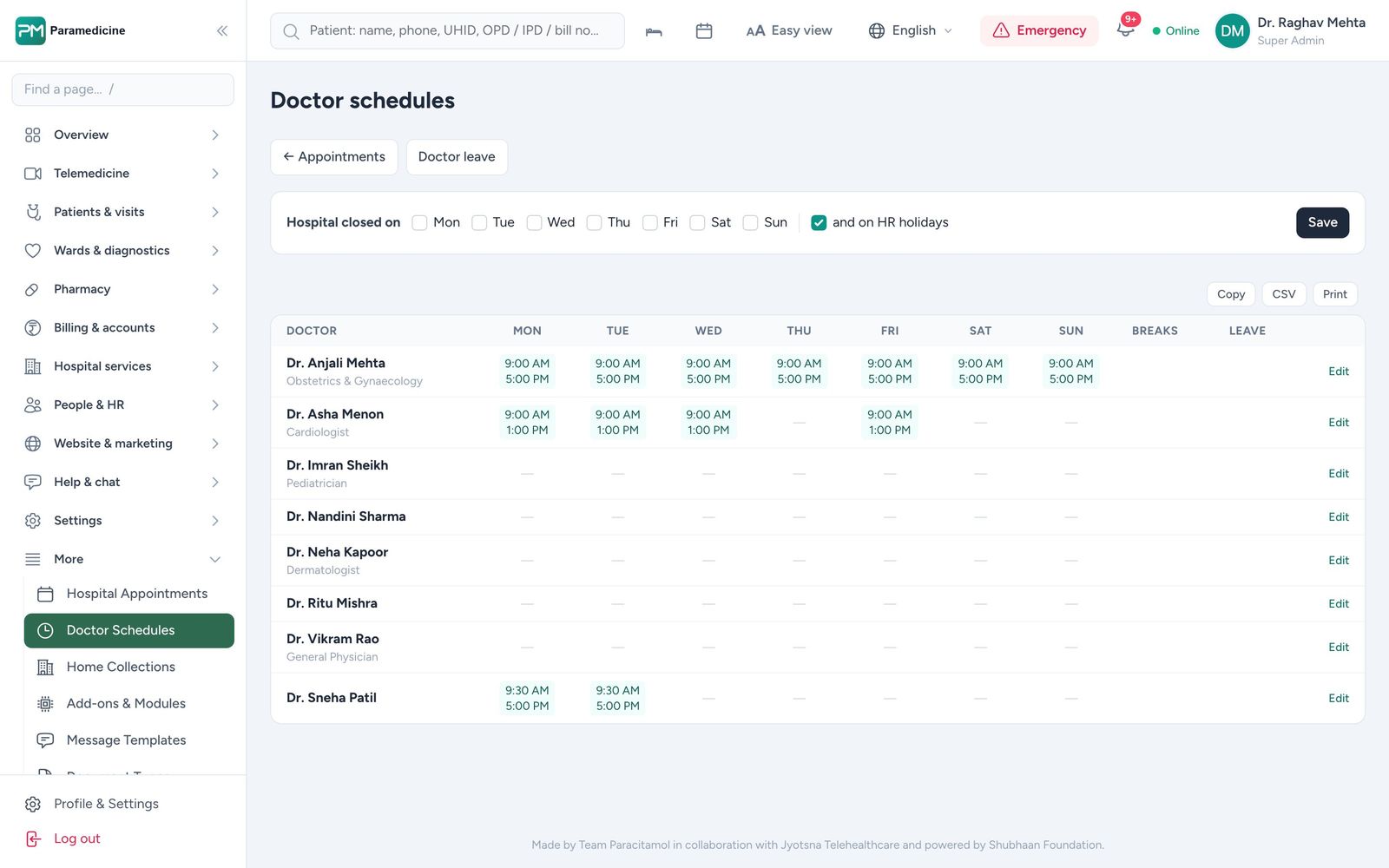
For local searches, the map pack decides who gets the call. Complete the profile with the right categories, hours, departments, photos and a booking link, and keep the name, address and phone identical everywhere online. Keep doctor timings in one schedule so your profile, website and front desk always agree.
2. One page per speciality and per doctor
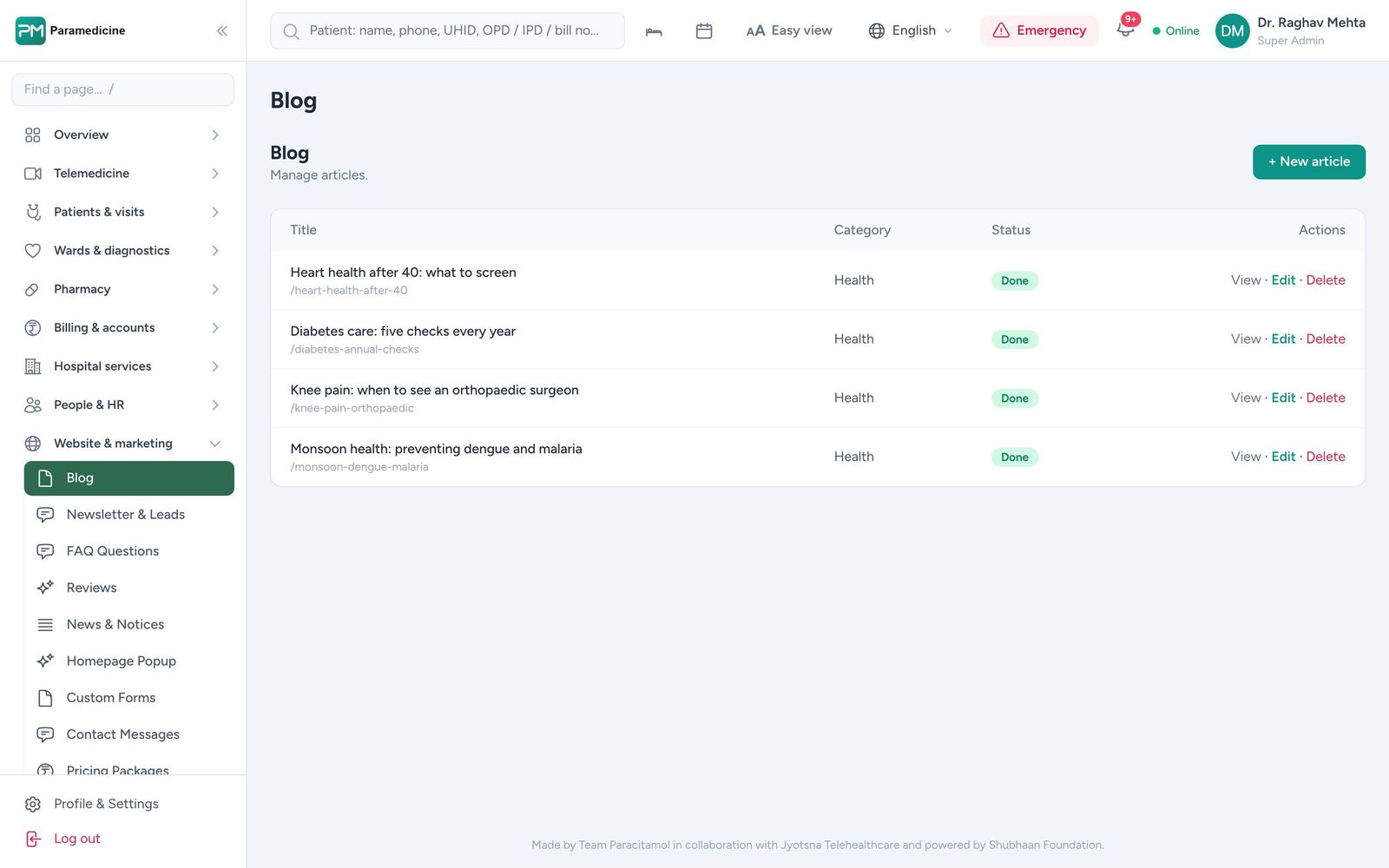
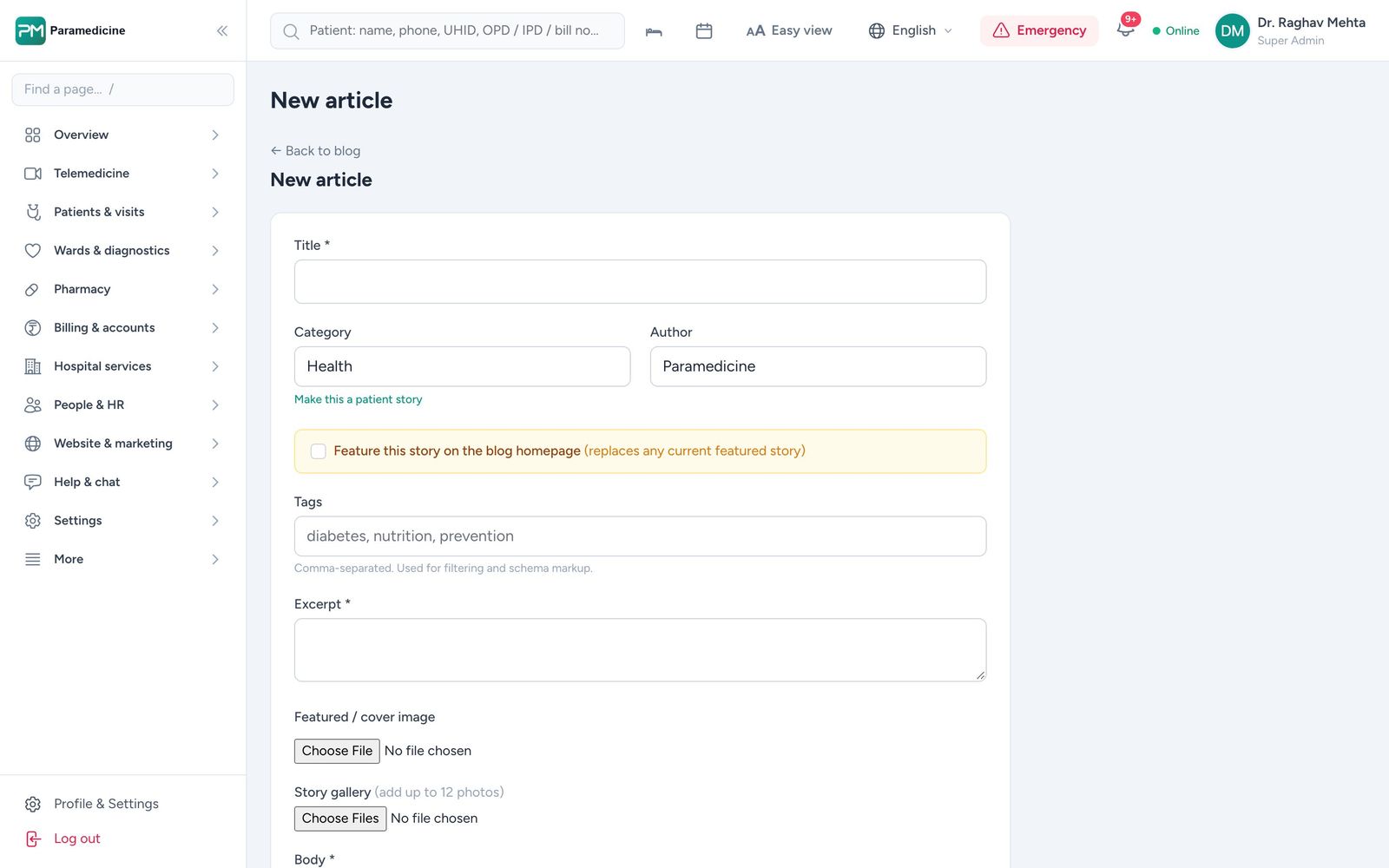
A single "Departments" page cannot rank for twenty specialities. Give each speciality its own page — conditions treated, procedures, doctors, FAQs — and give each consultant a profile with qualifications, experience and timings. Paramedicine's website module publishes articles and pages from the same system your staff already use.
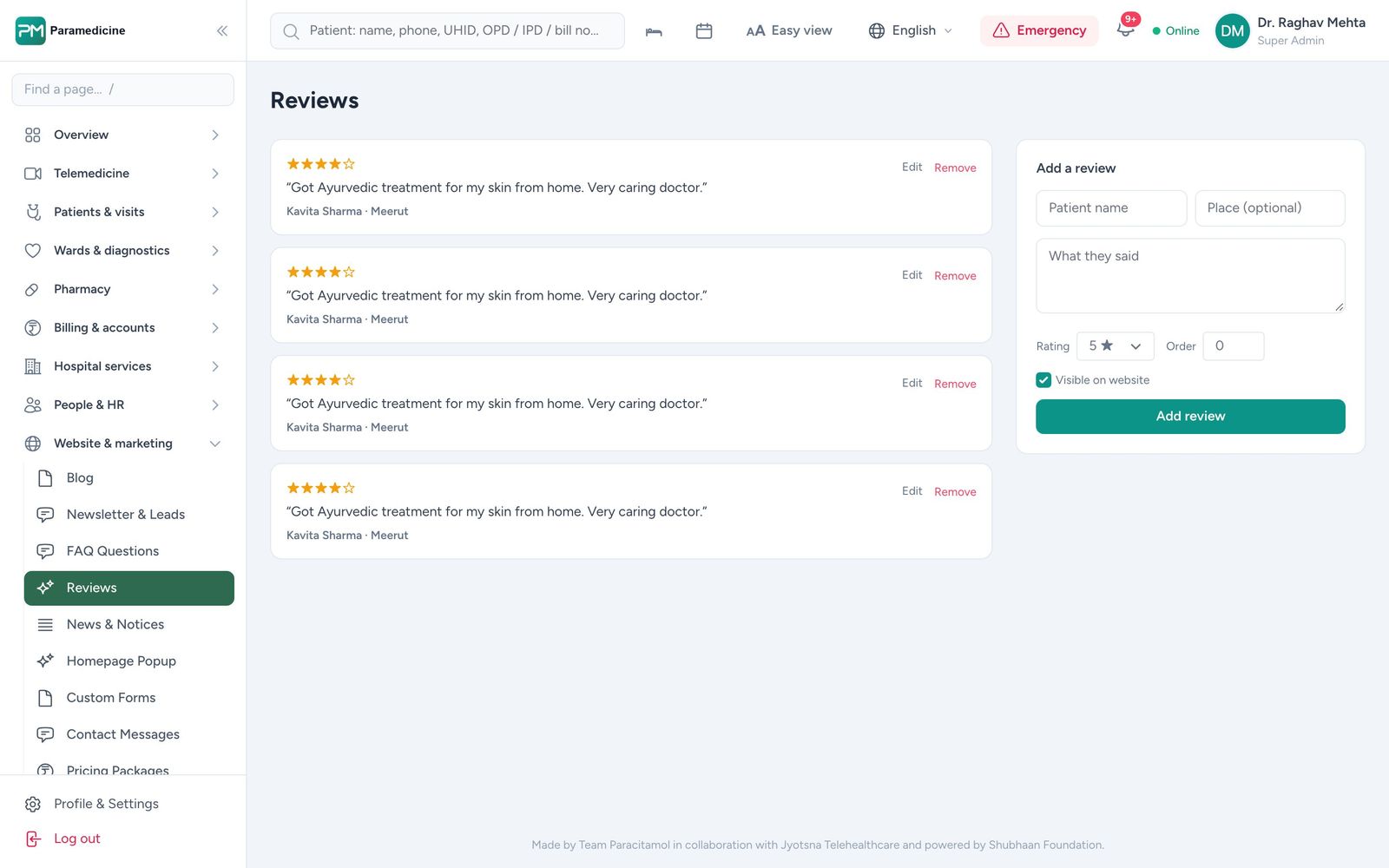
3. Reviews are a ranking and a conversion factor
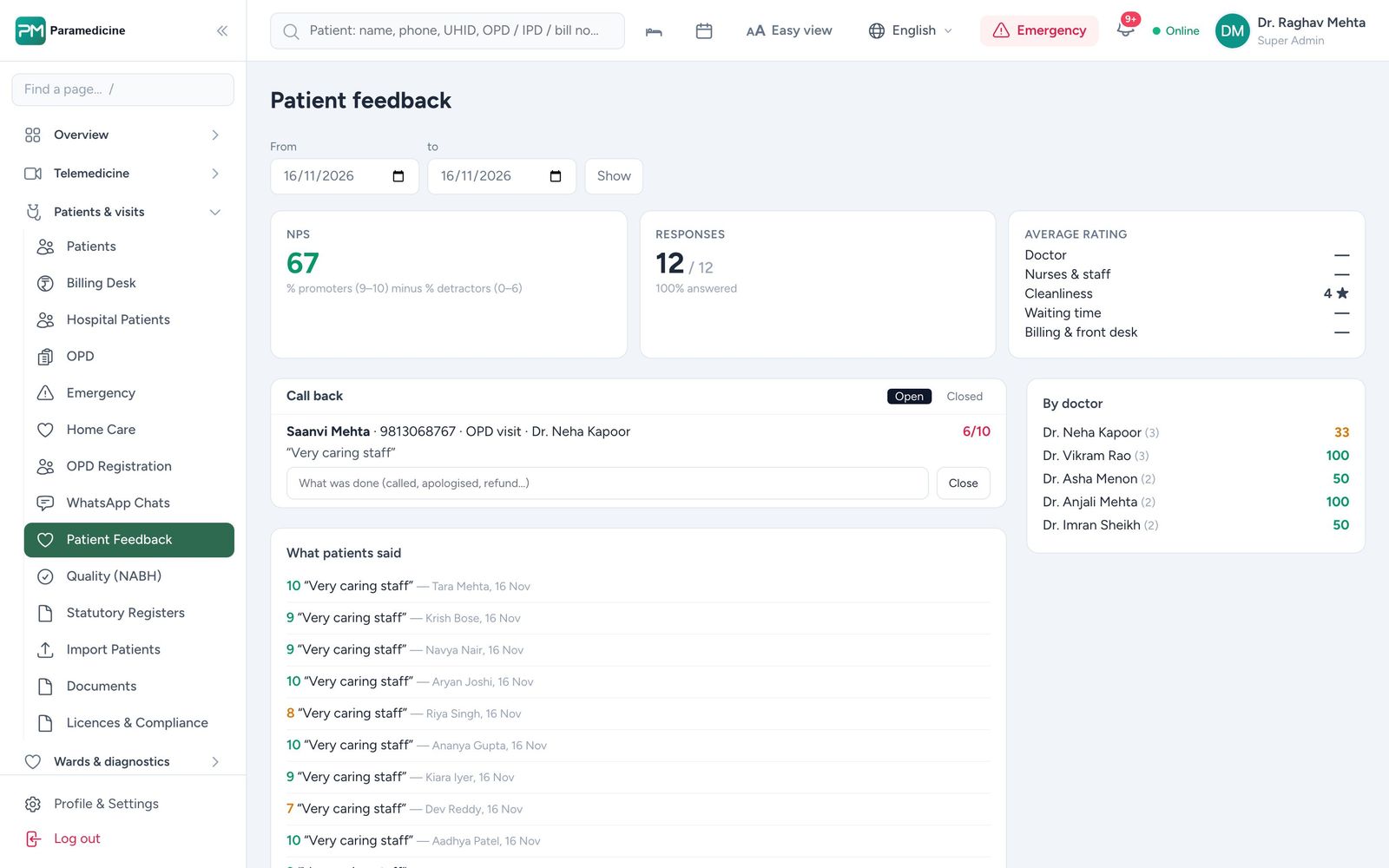
Ask every satisfied patient for a review, reply to all reviews, and fix the problems unhappy patients raise. Collecting feedback after each visit — and alerting management to low scores — keeps the stream of reviews healthy.
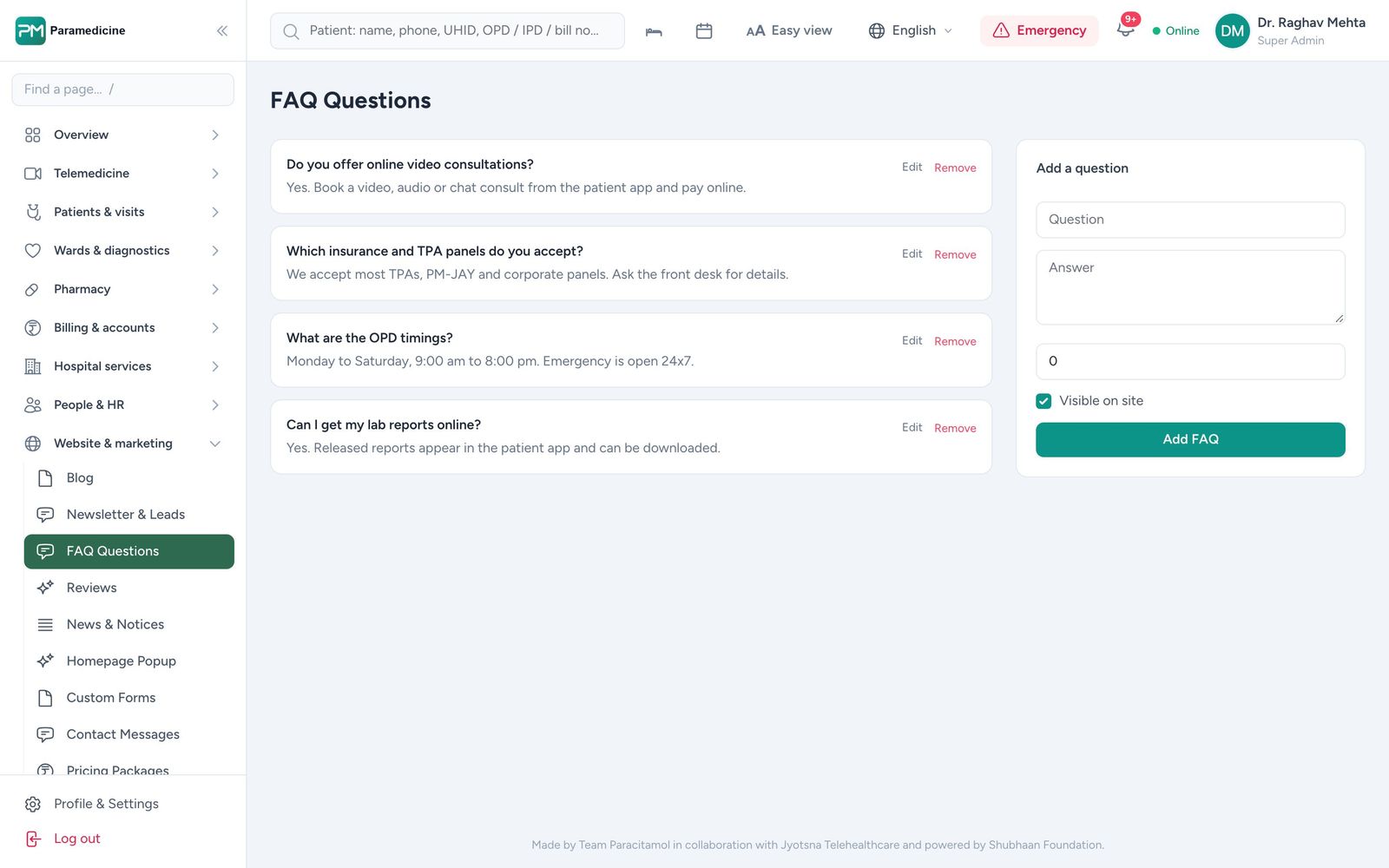
4. Answer the questions patients search
Costs, recovery times, preparation and insurance questions are searched every day. Clear, accurate articles written or reviewed by your doctors build trust and traffic, and short answers published as FAQs can appear directly in search results.
5. Technical basics
- Fast pages that work on phones
- A sitemap and clean, crawlable URLs
- Structured data for your organisation, doctors and FAQs
- Search Console set up and checked monthly
6. Track enquiries to appointments
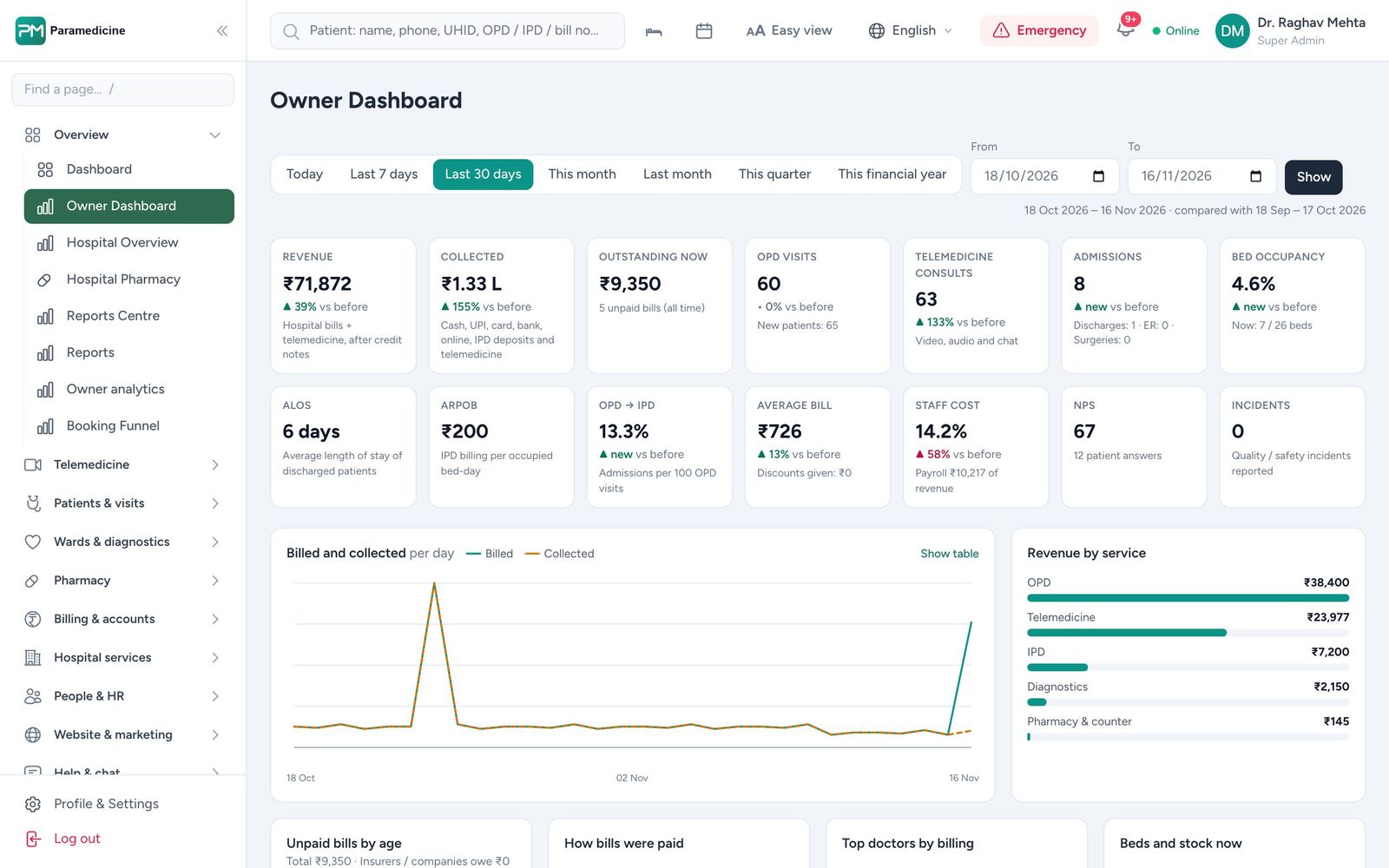
Traffic is not the goal; appointments are. Connect enquiries from search, ads and WhatsApp to the appointment and the bill, so you know which speciality pages actually fill the OPD.
Team Paracitamol runs SEO, social media and paid campaigns for 14+ leading allopathic and ayurvedic hospitals. See our hospital marketing services.
Paramedicine The product behind this article
Everything above runs on one patient record.
See the real screens, the product tour and how pricing follows the modules you switch on.